
An Unreliable Study or Work Laptop
Storage health, battery condition, cooling, memory pressure, updates and event logs are checked before a small fault becomes a deadline emergency.
Microsys helps East Victoria Park residents, students, remote workers and small professionals solve laptop, desktop, Wi-Fi, printer and account problems with a clear diagnosis and practical service options.
In East Victoria Park, the same computer may move between study, remote work, personal banking, creative projects and family administration. A repair therefore needs to consider more than whether Windows starts. The condition of the storage, the importance of the files, account access and the way the device connects at home can all affect the safest next step.
Our workshop is in Cloverdale, but most of our work is done at your door. In East Victoria Park that means everything from a printer that has stopped printing to a shop counter that needs a POS machine set up. If we cannot fix it, you do not pay, and if you are not happy with the result we refund you in full.
Microsys begins by separating the symptoms from the cause. A slow laptop could have a failing drive, limited memory, overheating, unwanted software, a cloud-sync backlog or several smaller issues occurring together. We explain what the evidence shows before recommending repair, upgrade or replacement.
For specialist laptop faults, see Laptop Repairs Perth. You can also compare the broader options on our Computer Repairs Perth page.
Request an Assessment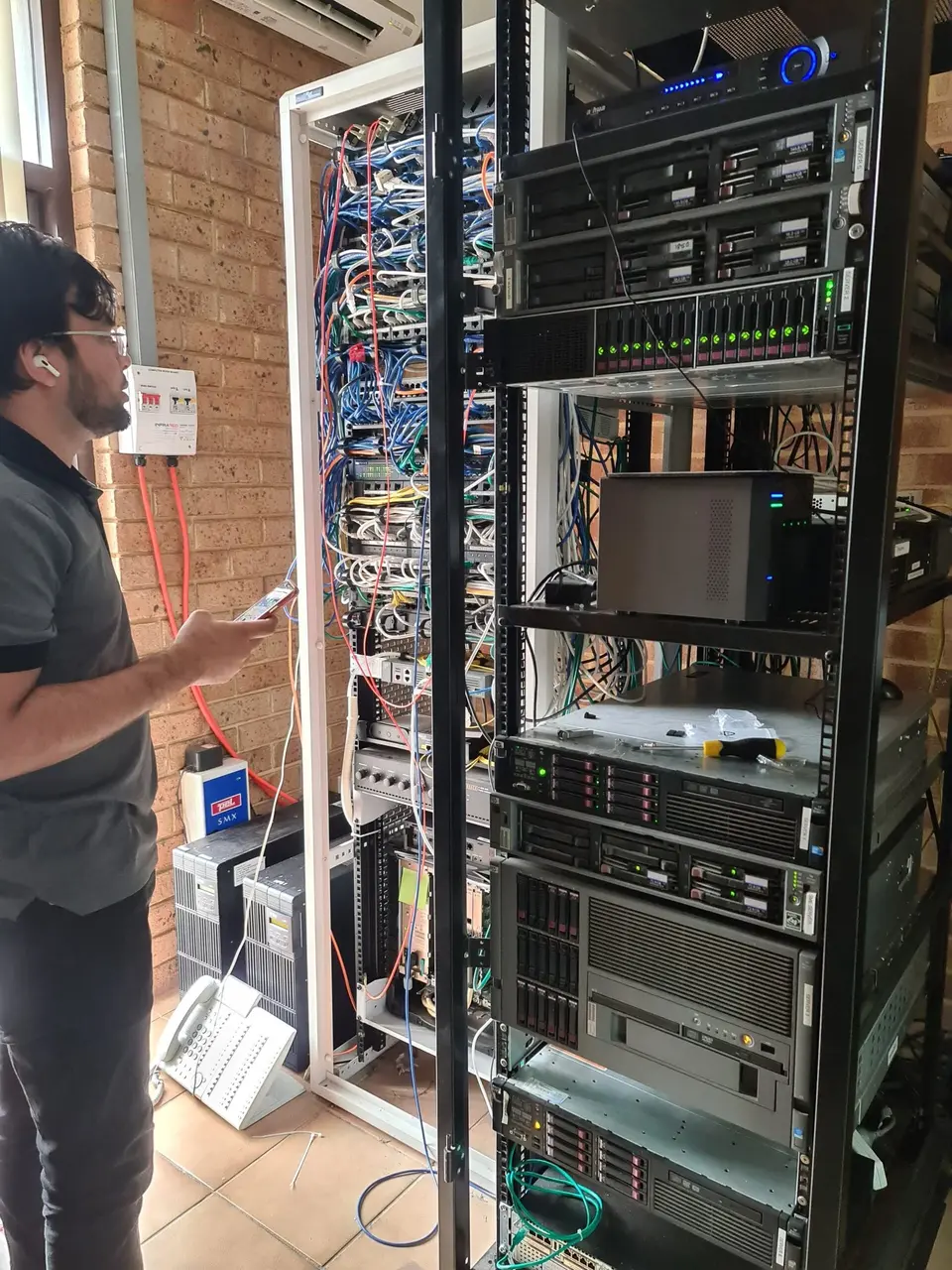
We check the device, network, account and accessories that form the working setup—not only the first error on screen.
Storage health, battery condition, cooling, memory pressure, updates and event logs are checked before a small fault becomes a deadline emergency.
We distinguish weak coverage, busy wireless channels, router limits and one misbehaving device before suggesting replacement equipment.
Accessible data can be organised and transferred while account ownership, backup status and application requirements remain clear.
Help is available for Outlook profiles, OneDrive sync, licensing checks and sign-in problems when valid account access is available.
We test the network path, driver, queue and scan destination so a recurring connection problem is not treated as a one-click reinstall.
Browser redirects, fake alerts and unwanted applications are assessed carefully, with practical advice to reduce repeat infections.
A structured process protects your time, budget and data.
We identify what stopped working, when it began, which devices are affected and whether important data is at risk.
Relevant hardware, Windows, network, account or application evidence is checked rather than changing unrelated settings.
You approve the work, then the original fault and related functions are tested before handover.
The best option depends on whether the problem follows the computer or depends on the East Victoria Park location.
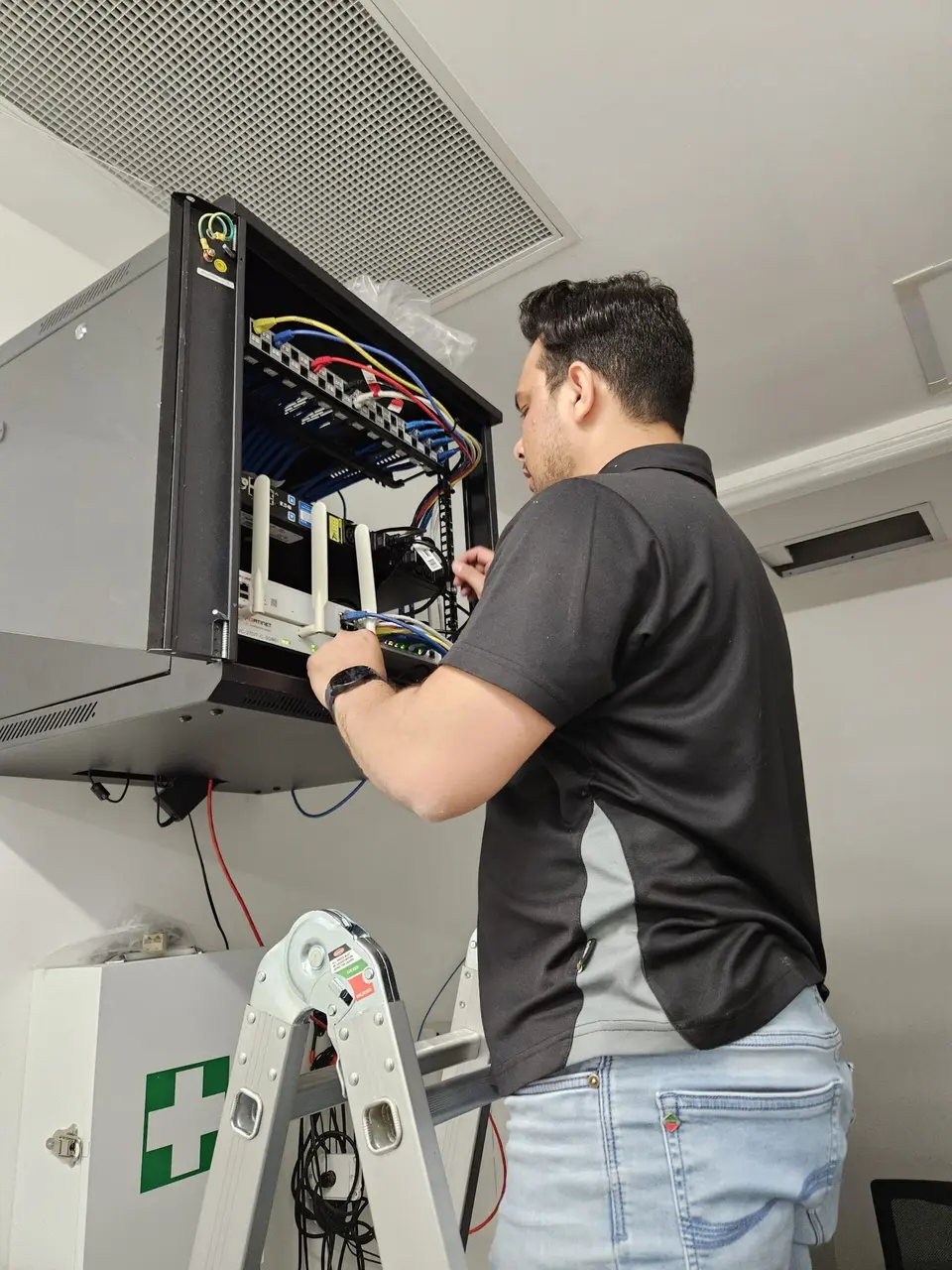
Useful when Wi-Fi, printers, several computers or local cabling are involved. The technician can see the environment in which the fault occurs. Learn about onsite IT support.
Suitable for some software, email and configuration problems when the computer starts, connects securely and does not require physical testing.
Better for storage, charging, overheating, startup and other hardware faults requiring bench tools, extended testing or parts.
Each service is considered in the context of the files, accounts and connected devices that depend on it.
Startup, stability, storage, heat, power and Windows performance problems investigated using the symptoms and test results.
Compatibility and likely benefit assessed before recommending an upgrade for an ageing computer.
Selected files, browsers, email, updates and backups configured so the new machine is ready for practical use.
Unwanted software and browser changes addressed through Virus & Malware Removal, with account risks explained.
Recovery options assessed without guaranteeing impossible results, followed by a backup approach matched to the data.
Ad-hoc help for Microsoft 365, printers, user access, backups and reliable computers without requiring a managed contract.
If a drive is clicking, folders are disappearing or the computer repeatedly fails to start, repeated restarts and automated repair attempts can increase risk. Stop unnecessary use and explain which files matter before further work.
Where the device still operates, confirm whether cloud folders have fully synchronised and whether an external backup can actually be opened. A green icon is not always proof that every important folder is protected.
When fraud, account compromise or a fake support call may be involved, tell us immediately. Device cleanup and account-security actions need to be considered separately.
The applicable rate is confirmed before work begins. Parts and specialist recovery work are discussed separately.
We explain the likely work, service method and any important limitations before proceeding.
One-hour minimum, followed by 30-minute increments for additional time.
One-hour minimum, followed by 30-minute increments for ad-hoc business support.
You do not need to diagnose the problem yourself. A few observations are enough.
Note recent updates, drops, liquid exposure, power events, new applications or changed passwords.
Whether other devices can connect, print or sign in helps narrow the problem quickly.
Tell us whether important data is local, in OneDrive, on an external drive or not backed up.
Microsys supports customers across East Victoria Park, Victoria Park, Carlisle, Bentley, Welshpool and Waterford.
Practical answers about service methods, pricing and data.
Include the device, the exact symptom and whether important files or work are affected. We will recommend the most suitable next step.