
The smart TV drops its Wi-Fi
Often the TV is at the far end of the signal. We check placement, channel and whether a wired connection is practical.
The smart TV will not connect, the streaming app keeps buffering and nobody knows which remote does what. We sort the gadgets in the lounge room as well as the laptop in the study.
Most homes now have more connected screens than people. Smart TVs, tablets, a games console, a laptop in every bedroom and a phone in every pocket. They all want the same Wi-Fi, and they all behave a bit differently when it misbehaves.
That means the call we get from Noranda is often not, "my computer is broken," but, "the whole house is slow," or, "the TV keeps dropping out." The cause is usually the network, not the TV.
We look at the whole picture. We check what is connected, how the signal reaches each room and whether any one device is hogging bandwidth. Then we set it up so the evening does not turn into a fight over who is using the internet. If it also turns out a laptop needs repair, our laptop repairs can handle that.
Book a Home Tech Visit
These are the usual suspects.
Often the TV is at the far end of the signal. We check placement, channel and whether a wired connection is practical.
Not always a slow plan. Congestion or a poorly placed router are common causes.
Account sign-ins and network passwords trip people up. We walk through it.
Console connections benefit from a cable or a stronger signal. We check what suits your house.
Older routers struggle with a modern household. We assess whether it is time for a better one.
We help you recover or reset it safely and note it somewhere sensible.
We start with the connection, since that is usually where it goes wrong.
We test signal strength room by room, including the lounge and bedrooms.
Router position, settings or hardware change based on what we find.
We check the TV, console and phones actually perform better afterward.
The most common requests from households.
Better coverage and speed across the house. See Wi-Fi setup.
Connect and configure TVs, streaming sticks and apps so they work for everyone.
Speakers, doorbells, lighting and cameras set up properly. See smart home installation.
Slow, broken or locked devices fixed. See computer repairs.
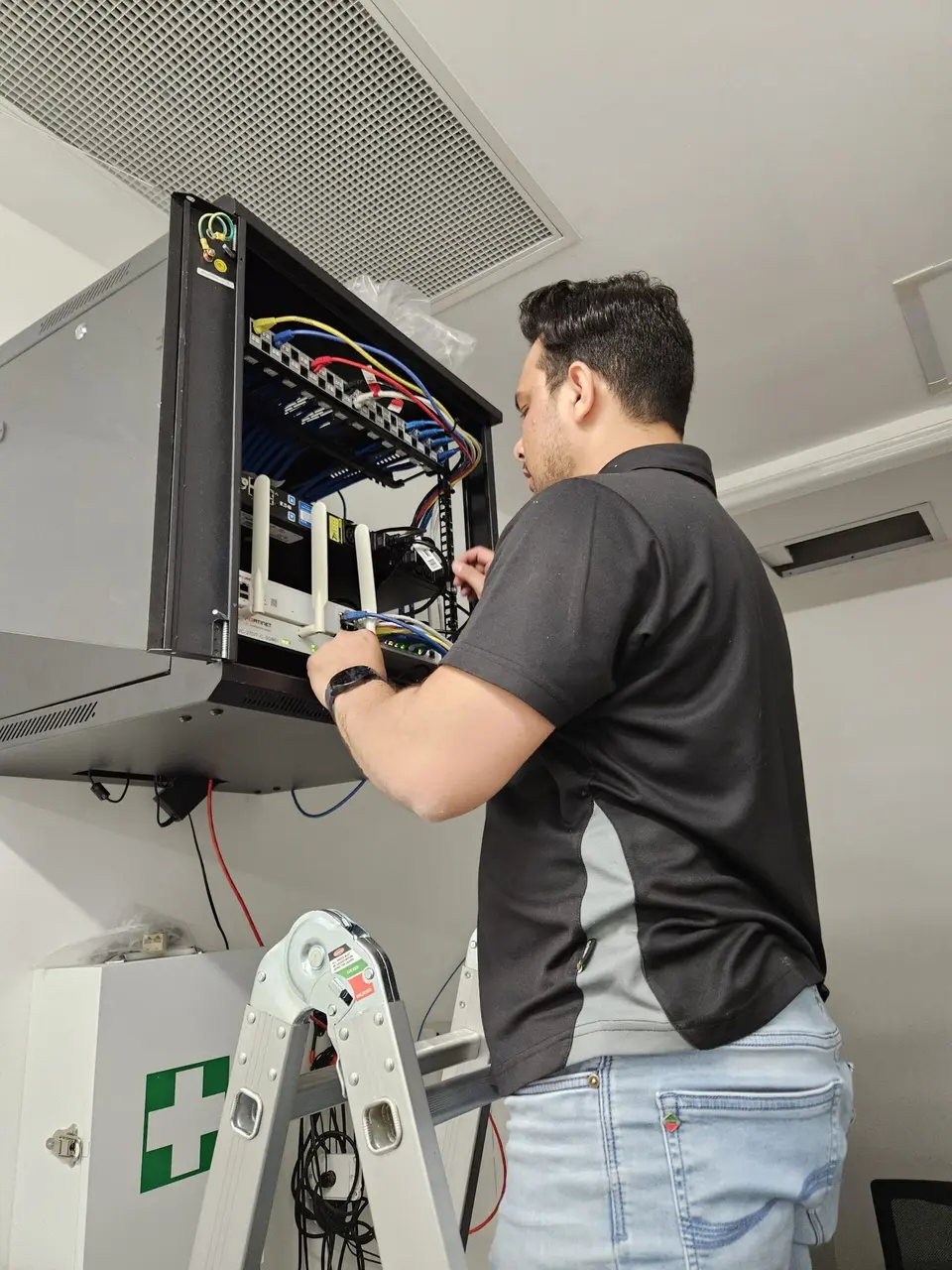
Routers hide in cupboards and behind TVs because they are ugly. Unfortunately, that is where they work worst. Walls, metal and other electronics block the signal.
Ideally, put the router high and central. A shelf in a hallway usually beats a cupboard at the edge of the house.
If the cable comes in at the wrong end of the house, we can talk about moving it, or adding a second access point where the signal weakens.
We charge for the time it takes, and we say how long we expect a job to take before we begin.
Describe what is slow or not working and we will tell you if a visit is needed.
For homes and families. One-hour minimum, then 30-minute blocks.
For home offices and business use. One-hour minimum, then 30-minute blocks.
New routers and devices are priced separately. Full details on the pricing page.
We are happy to visit these nearby suburbs.
Questions from households with lots of devices.
Tell us what drops out and in which room. We will take it from there.