
One Device Has No Internet
We compare that device with others, then check Wi-Fi settings, drivers, security software and account restrictions before changing the router.
When computers, Wi-Fi, printers and family accounts stop cooperating, Microsys helps Queens Park households restore a reliable setup—not merely patch one device.
A Queens Park home may have work laptops, school computers, phones, televisions, printers and smart devices sharing one internet connection. When something fails, the visible symptom can be misleading. A printer problem may actually be Wi-Fi isolation; missing documents may sit under another account; a slow computer may be waiting on cloud synchronisation rather than a hardware upgrade.
Microsys is a Cloverdale business and we travel across Perth, Queens Park included. Computer clean-ups, Windows 11 installs, printer and POS set-ups, cabling and Wi-Fi repairs make up most of our week. You get a reply within the hour during opening hours, a price before work starts, and a 30-day guarantee on finished repairs.
Microsys checks the relationship between the affected device and the rest of the household. The goal is to identify the fault, protect important information and leave the everyday setup easier to use. We explain the available repair path before approved work begins.
Individual hardware repairs are also available through Computer Repairs Perth and Laptop Repairs Perth.
Explain What Is Affected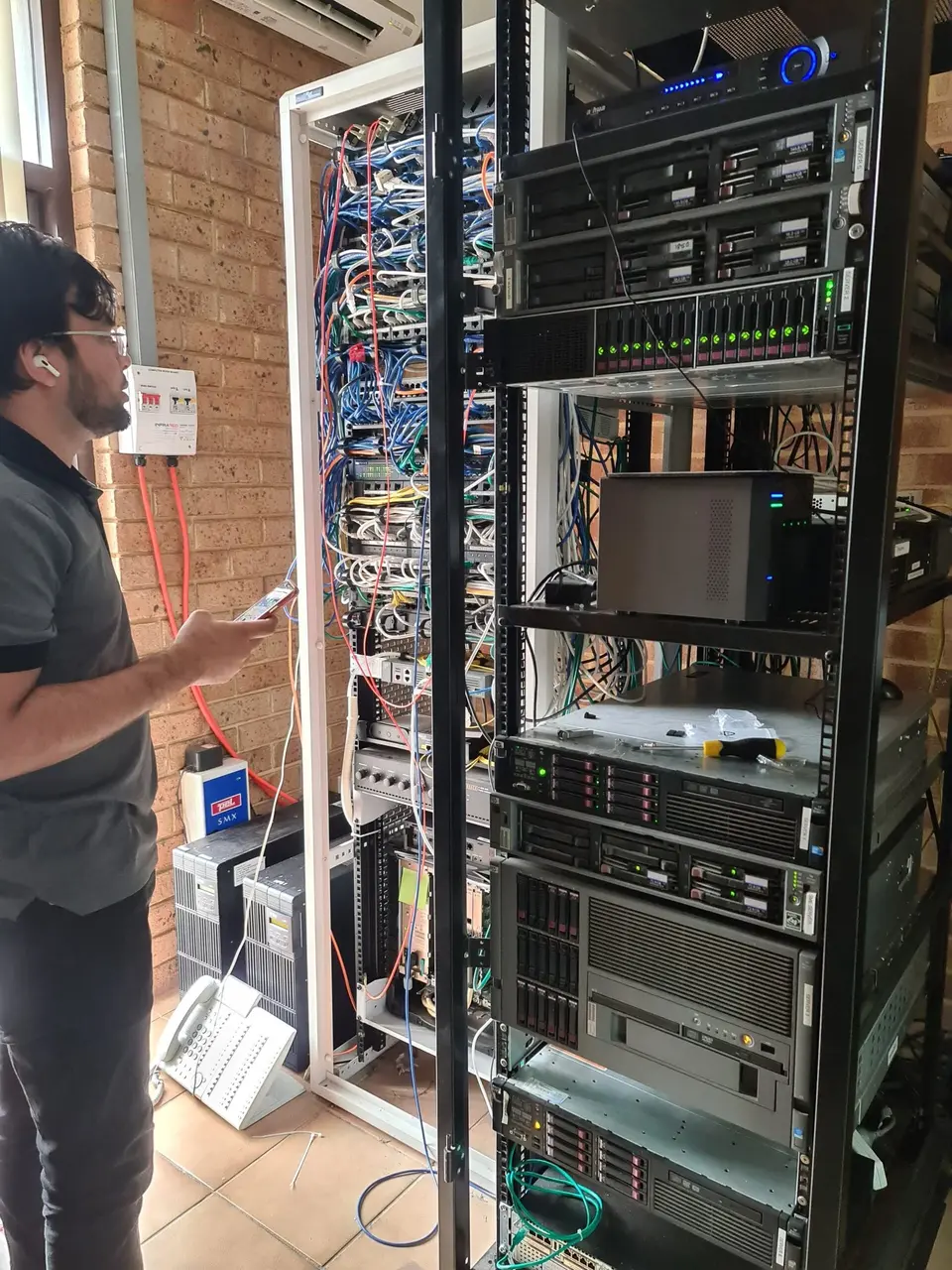
The useful question is not only “what stopped?” but also “what else depends on it?”
We compare that device with others, then check Wi-Fi settings, drivers, security software and account restrictions before changing the router.
Coverage and placement are assessed before recommending mesh units or access points that may not be necessary.
Network discovery, addresses, drivers and print queues are checked across the computers that actually need access.
We help identify which files are local, cloud-synchronised or stored on old devices before planning transfer and backup.
Selected data, email, browsers, updates and user profiles can be organised so the device suits its intended owner.
We assess unwanted software and browser changes, then explain any separate password, banking or account-security steps.
We avoid replacing equipment until the likely cause is understood.
We identify affected people, devices, rooms, accounts and tasks so the scope is clear.
Hardware, operating system, Wi-Fi, cloud service or peripheral evidence is tested where relevant.
Approved work is completed and tested using the same task that originally failed.
The device does not always need to leave the house—and some faults cannot be diagnosed properly without it.
Best for Wi-Fi coverage, printers, several connected devices and faults that only occur in the household environment. See Onsite IT Support.
Useful for selected software, email and settings problems when the computer starts and can connect securely.
Appropriate for power, charging, storage, overheating and startup faults requiring physical tests or extended diagnostics.
Services can be combined when several parts of the household setup need attention.
Power, storage, memory, cooling, startup and stability faults assessed before parts are recommended.
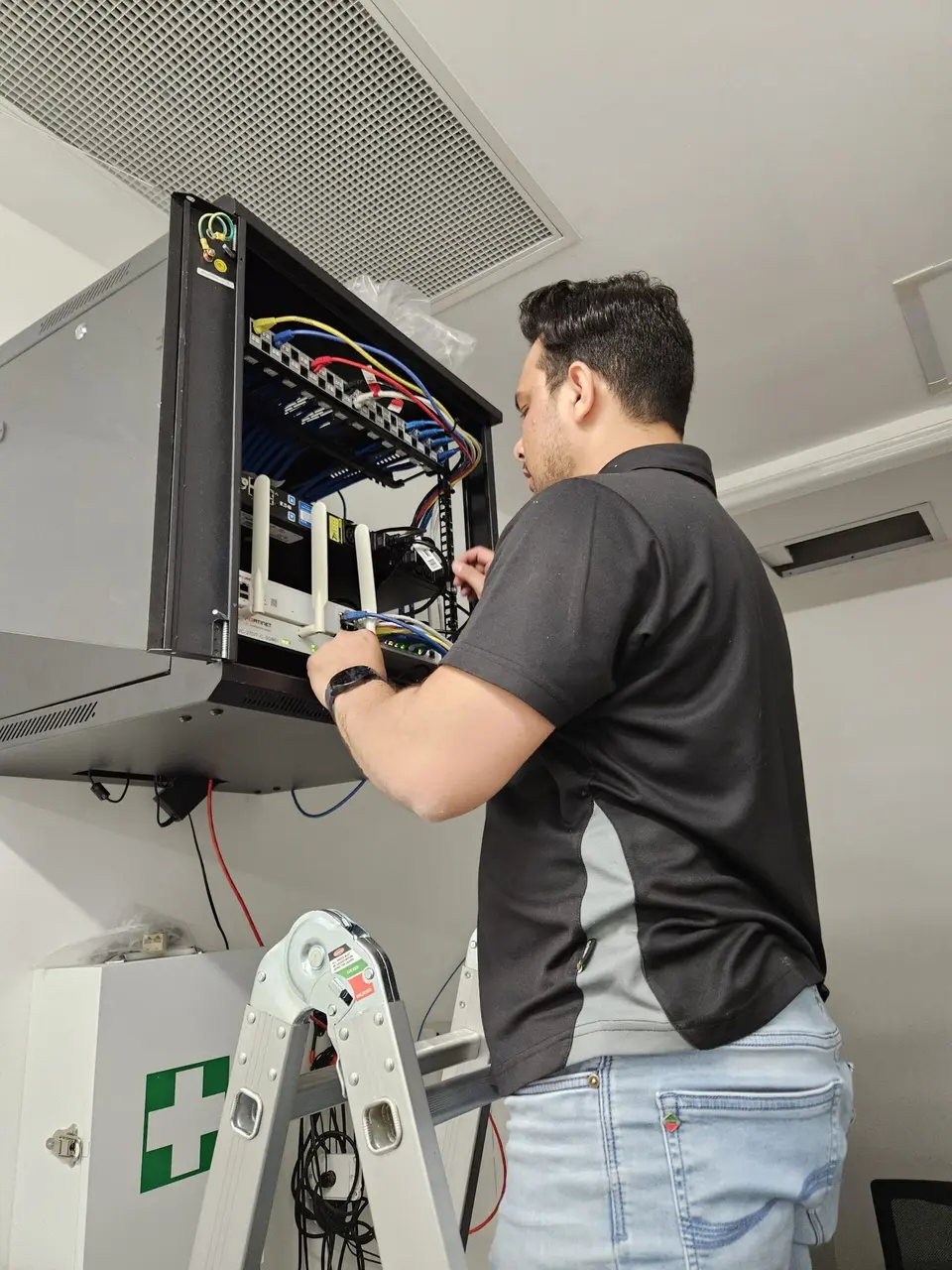
Coverage, router placement and device behaviour reviewed through Internet & Wi-Fi Setup.
Selected files, accounts, email, updates and backup configured for the intended user.
Connection, driver, queue and scan destinations checked on the devices that need them.
Device cleanup through Virus & Malware Removal, with separate account-security actions identified.
Important folders and existing copies reviewed before choosing local, external or cloud backup options.
Photos, school documents and household records may be divided between Downloads, Desktop, OneDrive, Google Drive, USB drives and older computers. Before a reset, migration or storage replacement, those locations should be understood.
When a drive reports errors, clicks or repeatedly disappears, avoid unnecessary use. Continued copying attempts can make recovery harder. Tell us which folders are most important so risk can be discussed before repair work.
A backup should also be testable. We can help confirm whether selected files can actually be restored rather than relying only on a status icon.
You receive the applicable rate and proposed scope before approved work starts.
We determine whether onsite, remote or workshop support is the sensible option.
One-hour minimum, then additional time in 30-minute increments.
One-hour minimum, then additional time in 30-minute increments.
Support is available across Queens Park, Cannington, Bentley, East Cannington, Welshpool and St James.
Answers about connected devices, data, pricing and appointments.
Tell us which devices, rooms or accounts are affected. We will recommend onsite, remote or workshop support based on the problem.