
School laptop will not charge
We assess the charger, socket, battery and internal power path before recommending parts or deciding whether the repair still makes sense.
Laptop will not start, screen cracked, PC crawling or full of pop-ups? We diagnose it, give you a clear quote before any work begins and back the repair with a 30-day guarantee. Bring it to our Cloverdale workshop or book a home visit in Thornlie.
Technology in a family home rarely belongs to one person forever. A parent may replace a work laptop, pass the previous machine to a teenager, move a child’s files to a school device and keep an older desktop for shared use. Each change introduces practical questions about performance, storage, logins, privacy and what should be removed.
Our workshop is in Cloverdale, but most of our work is done at your door. In Thornlie that means everything from a printer that has stopped printing to a shop counter that needs a POS machine set up. Repairs and parts carry a 30-day guarantee.
Microsys provides computer repairs in Thornlie with that whole device journey in mind. We diagnose the immediate fault, then help you decide whether the computer should be repaired, upgraded, reassigned or retired. The goal is not simply to make it start again; it is to leave the right person with a dependable device and clear ownership of their files and accounts.
If the issue is limited to a portable device, see Laptop Repairs Perth. For an overview of desktop and general repair work, visit Computer Repairs Perth.
Describe the Device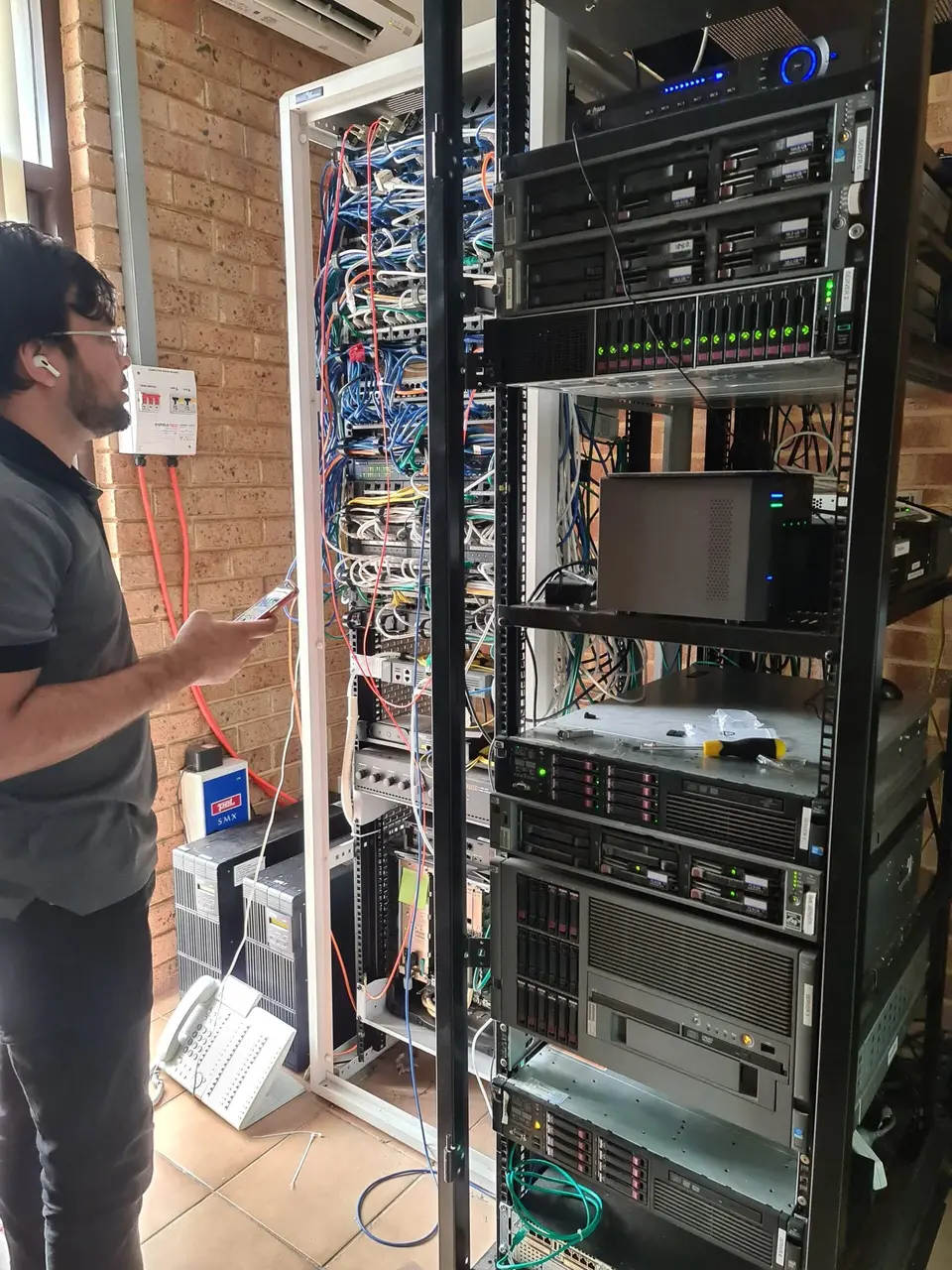
Age is only one clue. How the computer is used, stored and shared often points us toward the real cause.
We assess the charger, socket, battery and internal power path before recommending parts or deciding whether the repair still makes sense.
Temperatures, airflow, fans, memory, storage and graphics load are checked so upgrades are based on evidence rather than guesswork.
We look for failing storage, limited memory, heavy startup software, update problems and account issues affecting everyday work.
Personal files, browser profiles and saved sign-ins need careful separation before another family member starts using the machine.
Drivers, queues, Wi-Fi and device discovery can differ between computers. We test the complete print path for the users who need it.
We help contain the problem, inspect the computer and explain which passwords or recovery methods should be changed. See virus and malware removal.
Tell us the computer’s age, who needs it next and the programs they expect to use.
We match the location to the problem, especially when several family devices are involved.
A home visit is practical when the fault involves Wi-Fi coverage, a family printer, several logins, monitors or multiple computers. We can see how the equipment connects and test the activity that is failing. Learn more about onsite IT support.
Drop-off diagnosis suits power faults, overheating, damaged ports, startup loops and internal upgrades. It provides the time and tools needed to test components without disrupting the household.
We compare the condition and capability of the computer with the next user’s real needs. An SSD or memory upgrade may extend its useful life, but not every device is a good candidate.
The previous user’s documents, browser data, email and cloud accounts should be backed up or removed. The next person receives their own login instead of inheriting someone else’s profile.
Updates, security settings, applications, backup and peripherals are prepared for the new role. We then test the activities the new user will actually perform.
Keep each person’s information separate while making common equipment easier to use.
Diagnosis for charging, power, storage, memory, heat, startup, Windows and everyday performance problems.
Prepare accounts, updates, applications and peripherals through our computer setup service.
Move accessible documents and photos to the correct profile, then establish a practical backup and transfer routine.
Create appropriate local or Microsoft user profiles so browser history, settings and personal documents are not mixed together.
Investigate connection gaps, printer access and device-specific dropouts. See internet and Wi-Fi setup.
We explain when a modest upgrade is worthwhile and when age, damage or software requirements make replacement the better decision.
The proposed task is explained before you decide whether to proceed.
Bookings begin with a one-hour minimum. Additional time is charged in 30-minute increments.
A minimum of one hour applies, with further work calculated in half-hour blocks.
We describe the likely path and flag significant parts or third-party costs separately.
For complete charging information, visit Microsys IT support pricing.
A few deliberate steps prevent mixed files, accidental purchases and lost access later.
Confirm which documents, photos and browser information matter before removing an account or resetting the computer. Open a sample of the copied files rather than assuming the transfer succeeded.
Sign out of email, cloud storage, browsers and licensed software in a planned order. Some services need deactivation before the application is removed.
A separate account keeps settings and documents organised. Child or standard-user permissions can also reduce accidental system changes without pretending to replace supervision.
Book computer support in Thornlie and tell us who uses the device now, who may use it next and what needs to work reliably.