
Clicking or grinding noises
A mechanical hard drive that clicks is telling you something. Turn the computer off and do not keep trying to start it.
A dead drive is rarely about the hardware. It is the photos, the tax records and the school projects on it. We repair the machine and, where we can, get the files back first.
Most people in St James are not keeping a backup, and we do not say that to scold anyone. Phones back up quietly now, so it is easy to assume the laptop does the same. Then the drive starts clicking, the computer stops finding Windows, and everything from the last ten years lives in one place that is no longer working.
That is the call we take most from this part of Perth. The first thing we ask is whether you have tried anything yet, because the less a failing drive has been poked, the better the chances. Switching it off and ringing us is usually the right first move.
From there we look at what is actually wrong. Sometimes it is a simple software fault and everything is fine. Sometimes the drive is physically failing and we copy off what we can before it gets worse. If the damage is serious, we tell you plainly and explain the data recovery options.
Check My Drive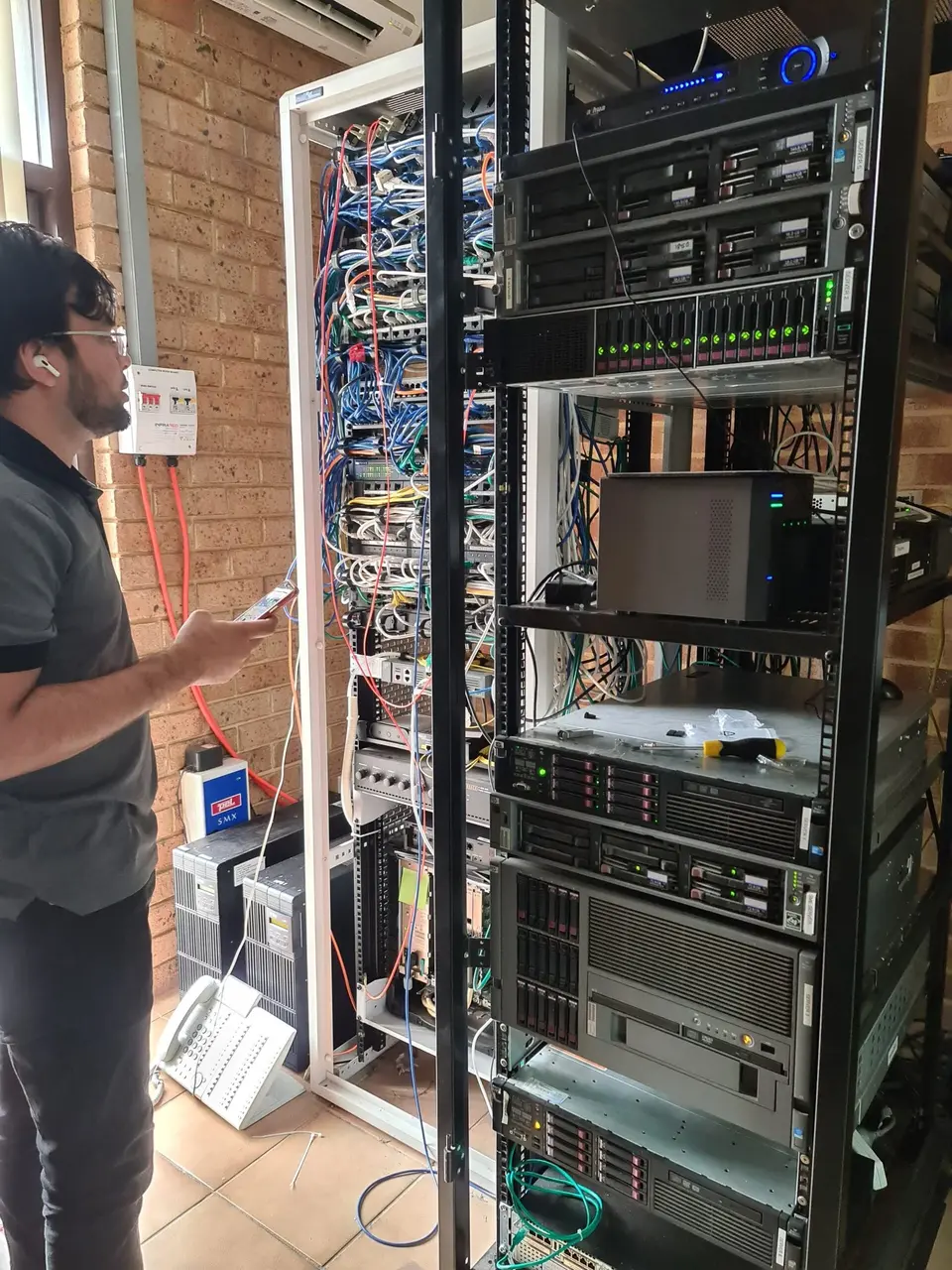 loverdale workshop" decoding="async" width="800" height="600">
If any of these sound familiar, back up what you can today.
A mechanical hard drive that clicks is telling you something. Turn the computer off and do not keep trying to start it.
If photos or documents suddenly throw errors, the drive may be struggling to read those parts of itself.
Random stalls that get worse over weeks are a classic sign of a drive with bad sectors.
Sometimes this is a loose cable or a damaged system file rather than a dead drive. Worth checking before assuming the worst.
Do not format it. Formatting makes recovery harder. Bring it to us as it is.
Physical knocks and sudden power loss can damage the drive and the data on it. Stop using it and call.
The aim is to do no further harm to your files.
We check the drive's health without writing anything to it, so we know what we are dealing with.
If the drive is readable, we copy your important files to a safe drive first. Repairs come after.
You get a plain summary of what was found, what could be saved and what it would cost to go further.
Once the files are safe, the machine itself usually needs attention too.
A failed drive gets swapped for a faster one and your system set up again. A good time to look at upgrades too.
We configure something simple, like an external drive or cloud folder, that you do not have to remember to use. See data backup and transfer.
Power faults, overheating, broken screens and keyboards. Our laptop repair page lists what we cover.
Documents, photos and email carried across so the new machine feels familiar from day one.
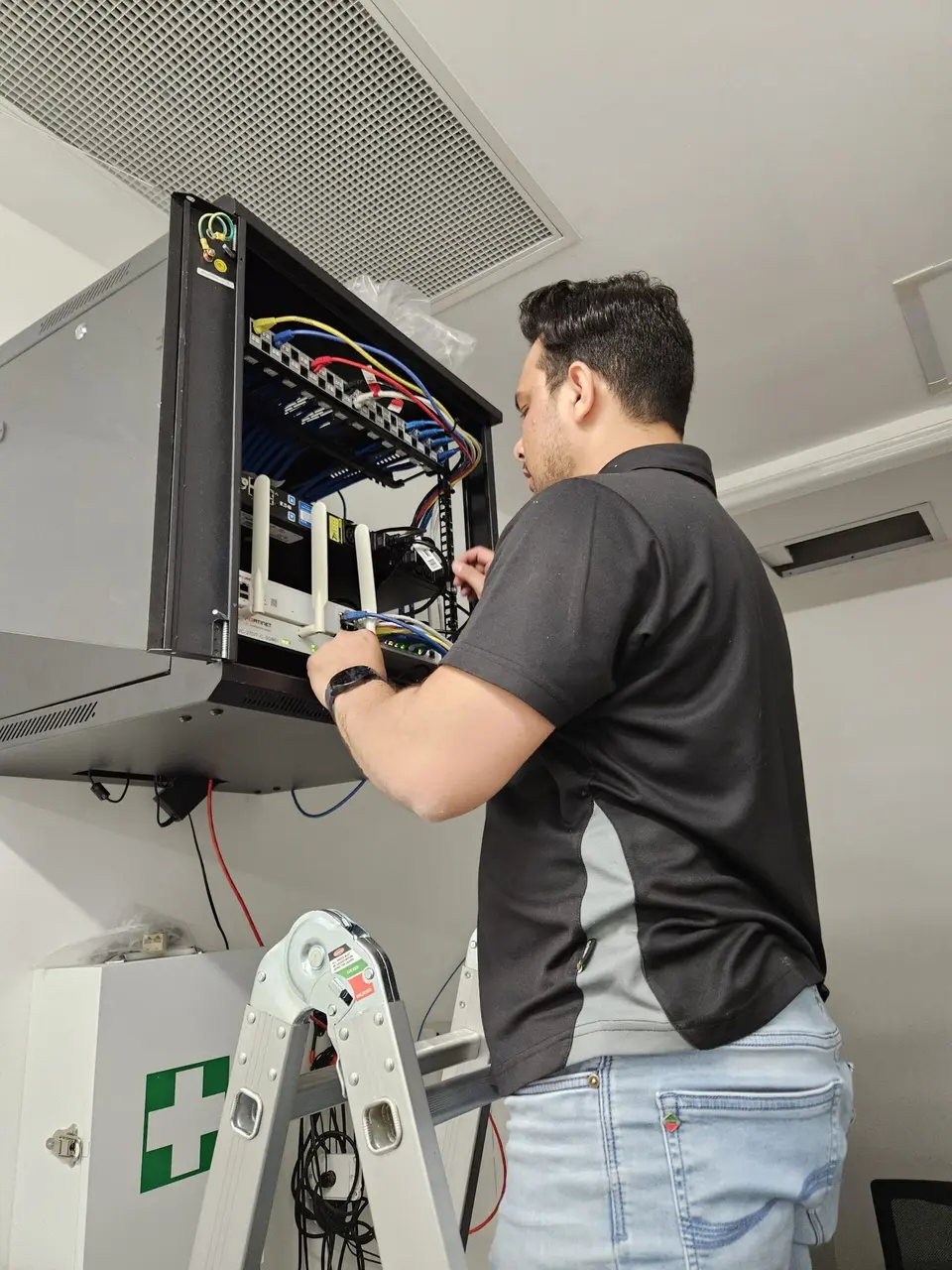
Keep your files in two places. If the laptop dies, one of those two copies should be somewhere else entirely, like an external drive in a drawer or a cloud folder you can open from your phone.
The part people forget is checking it. A backup that has not run for a year is not a backup. When we set one up, we show you how to see the last time it worked.
If you have a pile of old drives and sticks around the house and no idea what is on them, bring them in. We can sort through them and put the keepers in one place.
Data work is quoted once we know what we are dealing with. We will not guess at a figure over the phone.
We check the drive and give you an honest picture before you commit to anything further.
For work done at your home. One-hour minimum, then 30-minute steps if the job goes longer.
For small businesses with shared drives or customer files at risk. Same one-hour minimum.
Replacement drives and parts are quoted before we order. Full rates are on our pricing page.
Drop-offs and visits are easy from these suburbs.
Straight answers to the things people ask most about lost files.
Switch the computer off, then call or send the booking form. We will tell you what to do next.