
Guests cannot connect
Network name, password and signal checks. We make it simple.
Guests expect Wi-Fi that works the moment they arrive and a TV they can actually use. We set up short-stay properties so the tech does not generate bad reviews.
For anyone hosting guests, the tech is part of the product. A router that needs resetting, a TV that asks for a login nobody has or a smart lock that stops responding will end up in a review.
The goal is to make everything boring and reliable. A separate guest network, a router in a sensible spot, TVs set up with streaming apps signed out and clear written instructions for guests.
We can set this up in one visit and show you how to check it remotely. See our Wi-Fi setup and smart home installation pages.
Set Up My Property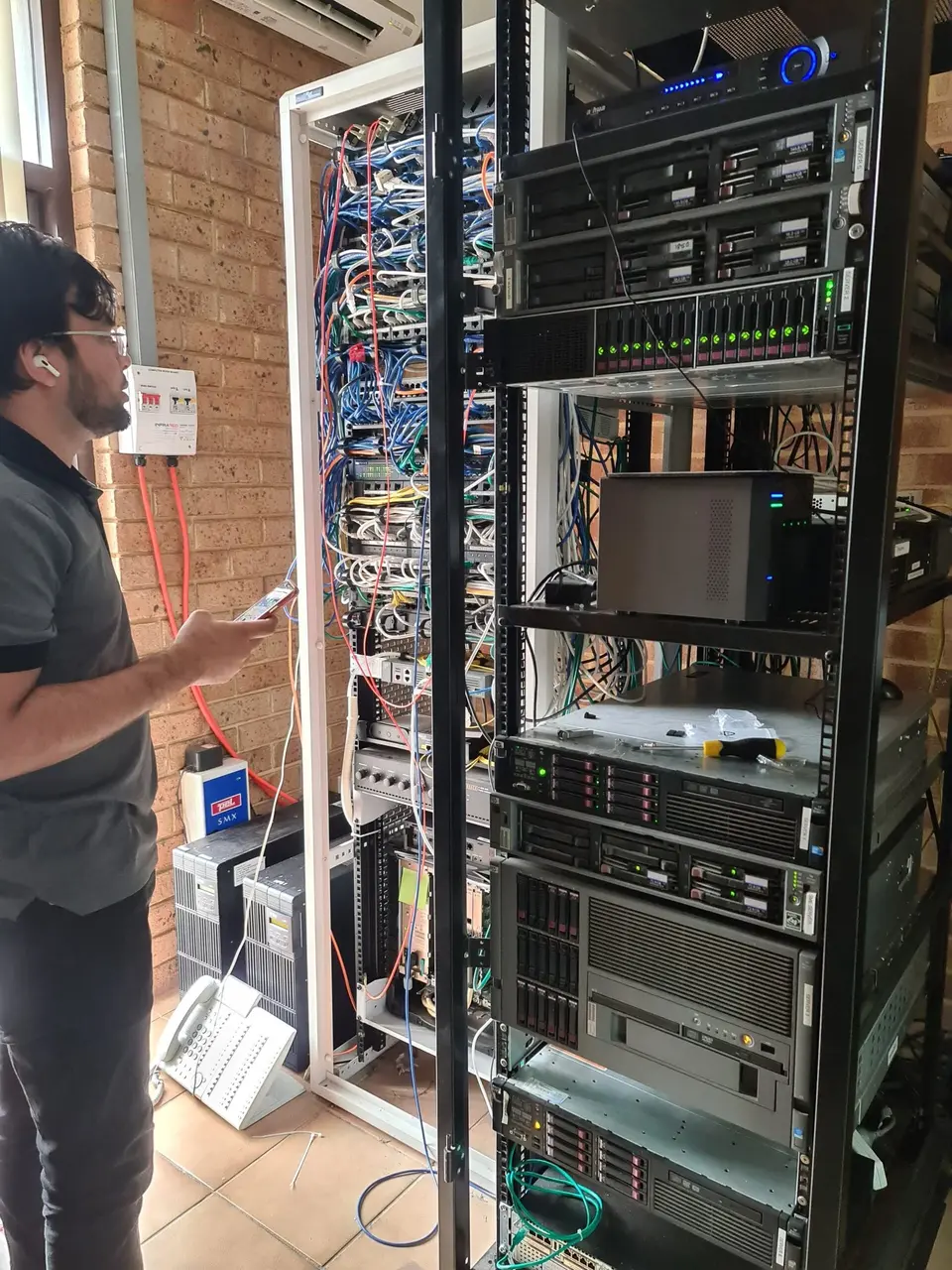
The common problems for hosts.
Network name, password and signal checks. We make it simple.
We set TVs so guests cannot see your accounts.
Set-up and testing so entry is reliable.
Often an ageing router or poor settings.
We separate guest and private networks.
We set up simple remote monitoring where practical.
How we prepare a property.
Guests on their own network, away from yours.
Clean app set-up and clear remote labels.
We try everything exactly as a guest would.
Reliable and low-maintenance.
Separate, simple and secure. See Wi-Fi setup.
Locks, cameras and speakers connected. See smart home installation.
Stable connection across the property. See network support.
For the host laptop or office PC. See computer repairs.
A small framed card with the network name and password saves a dozen messages. Use a short password that is easy to type on a TV.
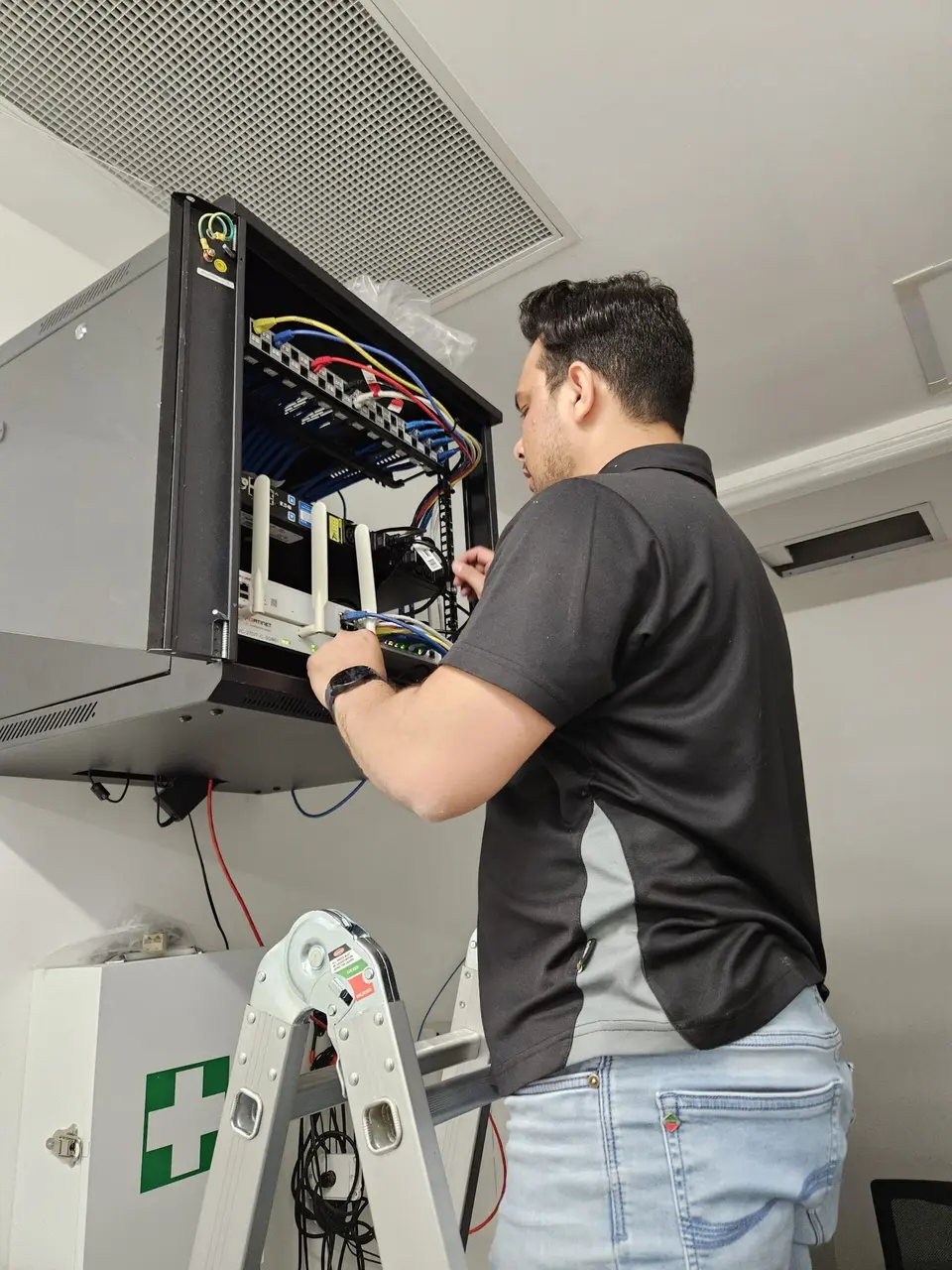
Keep the router visible but out of the way, and label the power point so nobody unplugs it.
Check the speed once a month with a wired test so you know before the guests do.
Time is charged at a fixed hourly rate and you hear the cost of any parts before we go ahead.
Tell us what is happening and we will say whether it needs a visit.
For personal devices and home networks. One-hour minimum, then billed in 30-minute blocks.
For work devices and company systems. You pay a one-hour minimum, then 30-minute blocks.
Any parts are priced separately and agreed up front. Rates are listed on the pricing page.
We also look after these nearby suburbs.
What short-stay hosts ask.
Tell us what you offer and what has gone wrong.