
Video calls freeze or drop
Often Wi-Fi congestion, a poorly placed router or a busy network. We test and improve it.
Your video call freezes, the VPN drops, the second monitor goes black. For people working from home, tech problems are work problems. We keep your setup reliable.
Working from home exposes every weak point in your tech. Wi-Fi that is fine for streaming drops out during a video meeting. A laptop that copes with email struggles with three screens. A headset that worked yesterday suddenly picks up nothing.
Many people in Wilson are in exactly this position: a company laptop, a desk in a spare room and no IT department down the hall. When something breaks, it is you who loses the afternoon.
We help with the part that is within your control: your network, your home setup and personal or small-business equipment. If your device belongs to an employer, we will not touch locked settings, but we can usually still sort out the Wi-Fi, peripherals and desk set-up around it. See our home IT support for more.
Book a Home Office Visit
Most of these are about the connection, not the computer.
Often Wi-Fi congestion, a poorly placed router or a busy network. We test and improve it.
Can be Wi-Fi, a router setting or the connection itself. We look at each in turn.
Cable, port or driver problems. We check and set up the layout correctly.
Power, firmware and cable issues are common. We test them one by one.
Driver or permission settings usually. We sort it so meetings start on time.
Poor airflow and long hours. We check cooling and suggest stands or fan cleaning.
We check it works under working conditions.
What do you do on the computer, and when does it go wrong? That tells us where to look.
Wi-Fi speed in your room, a call, an external monitor and a long session if needed.
We make the change and run the same test again, so you know it is solved.
The services most home workers need.
A stable connection in the room you work in. See Wi-Fi setup.
Screens, batteries, keyboards and overheating for personal or business laptops. See laptop repairs.
Screens, keyboards, webcams and headsets connected and configured.
So a spilled coffee or a bad link does not wipe out a week of work.
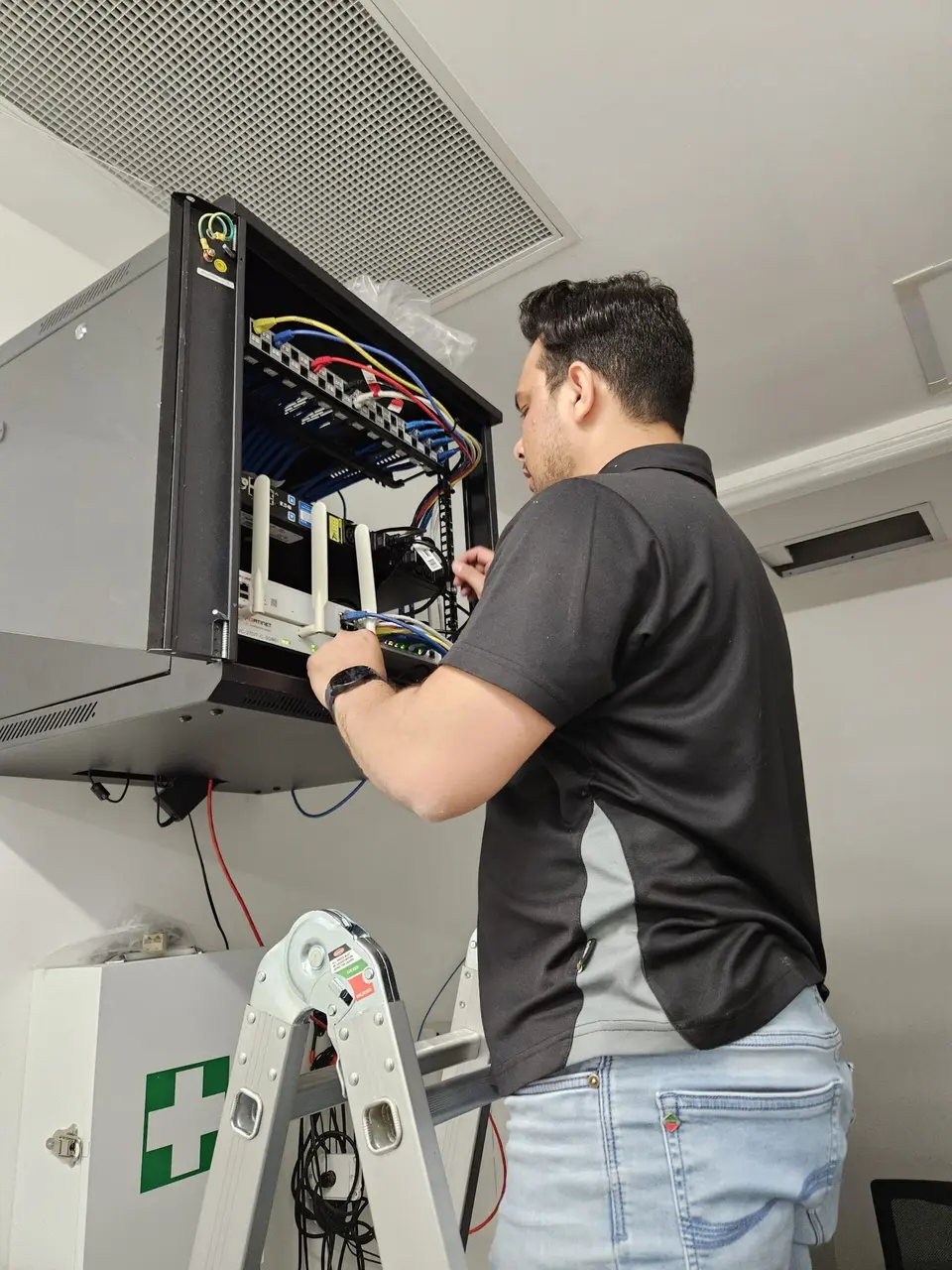
If your desk is near the router, a network cable beats Wi-Fi every time for video calls. It is not glamorous, but it removes a whole category of dropouts.
If the router is too far, there are options such as powerline adaptors or a wired access point. We will look at your house and suggest what fits.
Even small changes, like moving the router off the floor or out of a cupboard, make a difference. We check these before recommending new equipment.
The same rates apply whether you are an employee, contractor or business owner. Which one fits depends on how you use the equipment.
For some issues we can check settings remotely before you commit to a visit.
For personal equipment and home-use laptops. One-hour minimum, then 30-minute blocks.
For business use, contractors and sole traders. One-hour minimum, then 30-minute blocks.
Equipment is priced separately. Full details on the pricing page.
We visit these nearby suburbs often.
Questions from people working at home.
Describe what drops out or fails, and when. We will find the cause and give you a plan.