
Stock system not syncing
Often a network drop or a full drive on the back-office machine. We check both.
Cannington is one of the busiest commercial areas in the south-east. When a back-office computer or a stock system stops, we try to get a technician to you quickly.
Behind every shopfront in Cannington there is usually a small office with a computer that holds the stock list, the roster and the payroll. It is rarely the glamorous part of the business, but it is the part that cannot stop.
Many of the calls we get from this area start the same way. A staff member says the computer is slow, then it freezes, then the owner finds out the stock system has not synced since yesterday. By the time we are called, someone has already lost an hour.
We try to work out which part of the chain has failed: the computer, the network, the printer or the program. It is not always the machine you expect. Our business IT support page shows how we approach ongoing help.
Request a Business Visit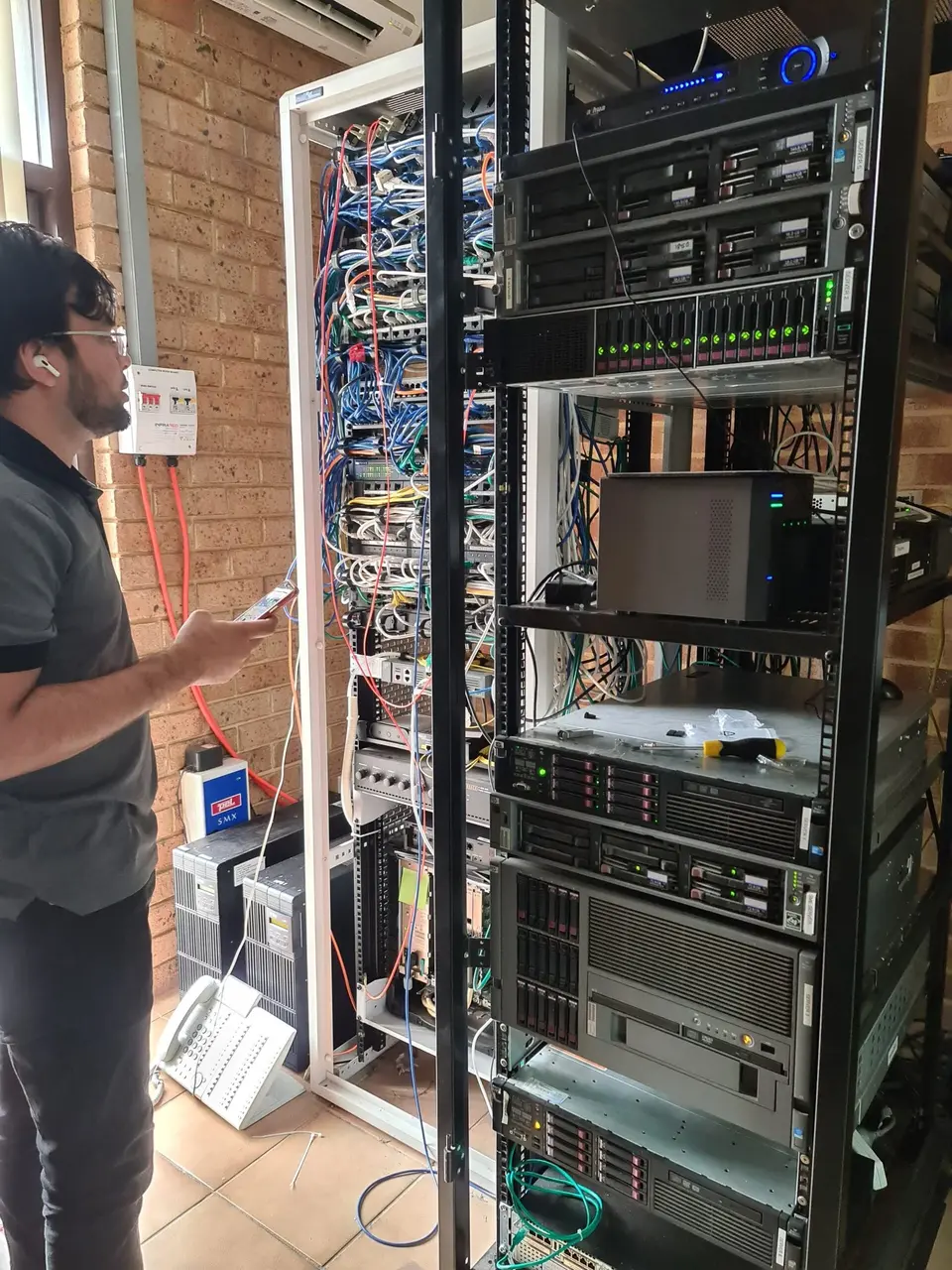
Faults that cost trading time rather than just annoy.
Often a network drop or a full drive on the back-office machine. We check both.
It makes mistakes harder to trace and security weaker. We can split it sensibly.
A network address change usually. We fix it so it holds.
Sender settings on your domain are the usual cause. We check and correct.
It runs the business, so nobody dares update it. We plan a safe replacement.
Weak signal at the counter. We measure and move or add access points.
The urgent fix comes before the long-term clean-up.
A workaround or quick repair so the shop is not stuck while we investigate further.
Once things are moving, we trace why it failed rather than assuming it was a one-off.
You get a brief summary of what happened and what we would change.
Most calls fall into these four areas.
Back-office machines, laptops and tablets repaired or replaced. See computer repairs.
Reliable connection across the shop floor and back office. See network support.
Staff mailboxes, shared calendars and file storage managed properly. See managed IT services.
Protect stock records and customer data. See cyber security.
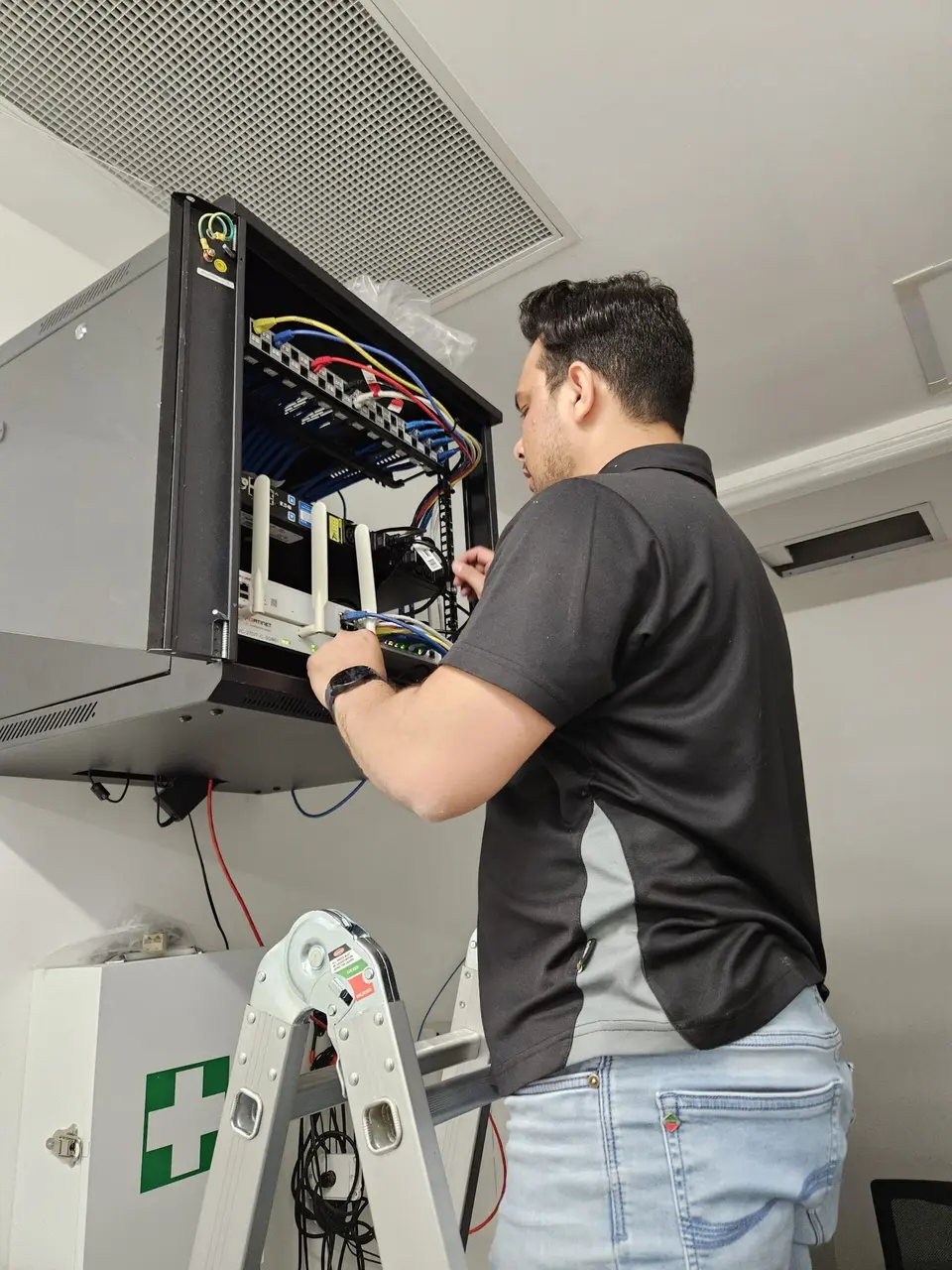
If one computer holds your stock records, supplier details and staff hours, a failed drive means weeks of reconstruction. Many small shops do not realise how much depends on one old PC.
A simple, automatic backup to the cloud costs very little compared to the downtime. It takes an afternoon to set up and then runs silently.
We often start with just that: check what lives on the machine, copy it somewhere safe and then talk about replacing the machine before it fails.
We quote the time before we start, and tell you what hardware would cost separately.
Describe the fault. We tell you whether it is an urgent visit or can wait.
For personal devices and family computers. One-hour minimum, then 30-minute blocks.
For retailers, offices and trade businesses. One-hour minimum, then 30-minute blocks.
Parts and equipment are quoted before ordering. Full rates are on the pricing page.
These are close enough for fast visits.
What local shop and office owners ask.
Call or send the booking form with a quick note about what has stopped and how urgent it is.