
Projector shows no signal
Cable, adapter or input selection.
The projector will not show the laptop, the microphone squeals and the Wi-Fi password is on a sticky note nobody can find. We make hall and meeting-room tech work for whoever hires the room.
Shared rooms are used by many people with many different laptops. That calls for a setup that is forgiving: the right adapters, clear labels and a simple way to get sound and picture working.
We check the projector or display, the audio path, the microphone and the Wi-Fi, then label everything and leave a one-page guide beside the equipment.
The aim is for a first-time user to connect in under a minute. For the network side see network support.
Review Our Room
Common issues.
Cable, adapter or input selection.
Placement and gain settings.
Clear, printed guest details.
A labelled adapter kit.
Output routing.
Labelled and tidy cabling.
Our visit.
HDMI, USB-C and wireless.
So anyone can find the right cable.
Pinned in the room.
What we cover.
Reliable connections. See computer repairs.
Simple access. See Wi-Fi setup.
For the hall laptop. See laptop repairs.
For entry and storage areas. See CCTV installation.
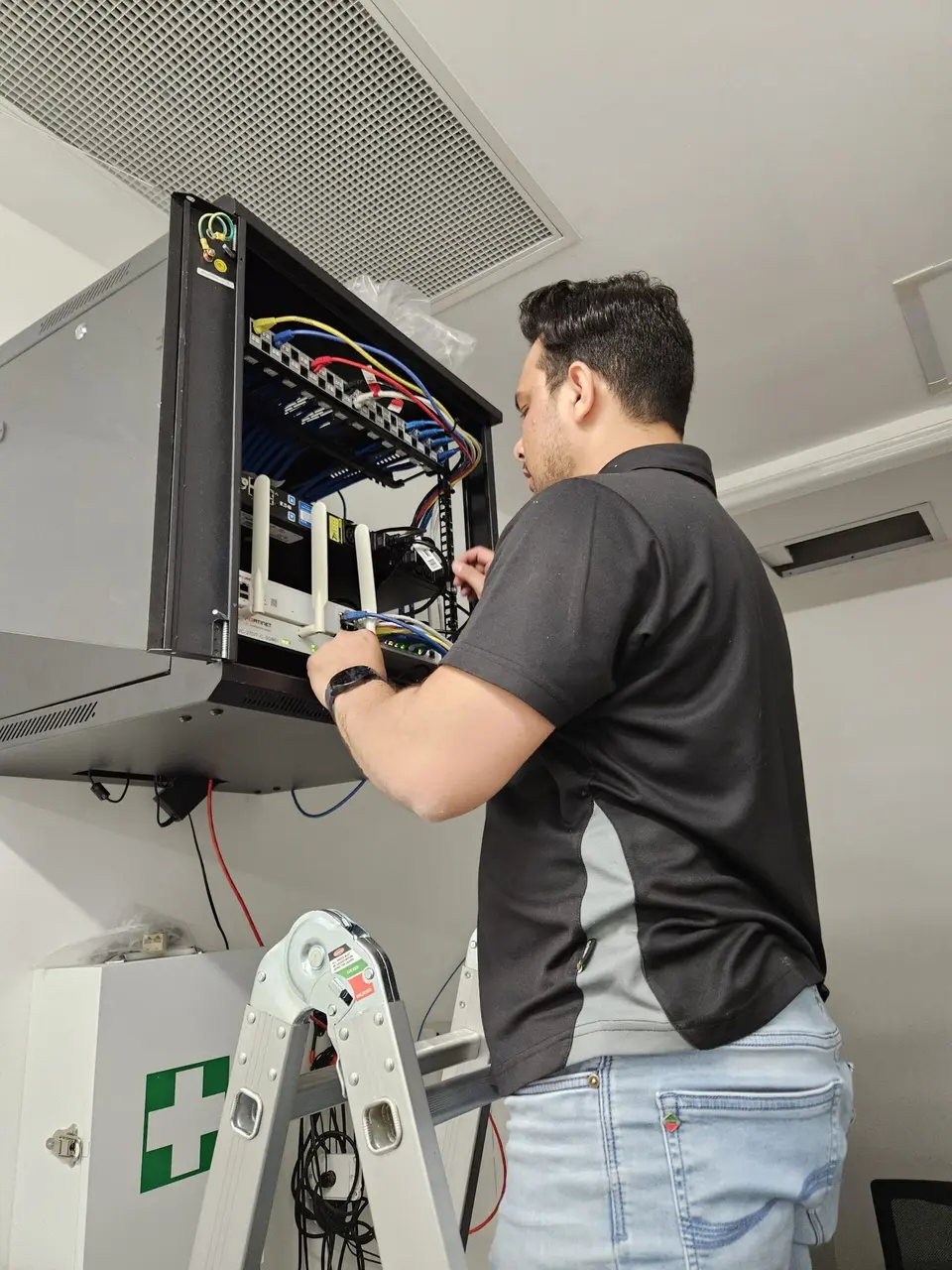
Different laptops use different ports. A small, labelled box of adapters solves most connection problems.
Keep it in the room or in the same cupboard as the remote.
Check it each term.
Hourly pricing, no call-out surprises, and parts agreed before we buy them.
Give us the short version and we will point you in the right direction.
For personal equipment and home use. One-hour minimum, then 30-minute blocks.
For businesses, offices and home-based traders. One-hour minimum, then 30-minute blocks.
Any parts are priced separately and agreed up front. Rates are listed on the pricing page.
Nearby suburbs we work in as well.
What committees ask.
Tell us what equipment you have and who uses it.