
Mechanical hard drive
Replace with an SSD.
That old desktop in the garage might become a perfectly good homework computer. A solid-state drive, more memory and a clean install can give it years more life.
Many households have an older desktop that still works but crawls. The cause is nearly always an old mechanical drive and too little memory.
A solid-state drive and a memory top-up often make an ageing machine feel new for a fraction of replacement cost. A clean install gets rid of years of clutter.
We check whether your desktop is worth upgrading, quote the parts and do the work. See slow computer repair.
Check My Desktop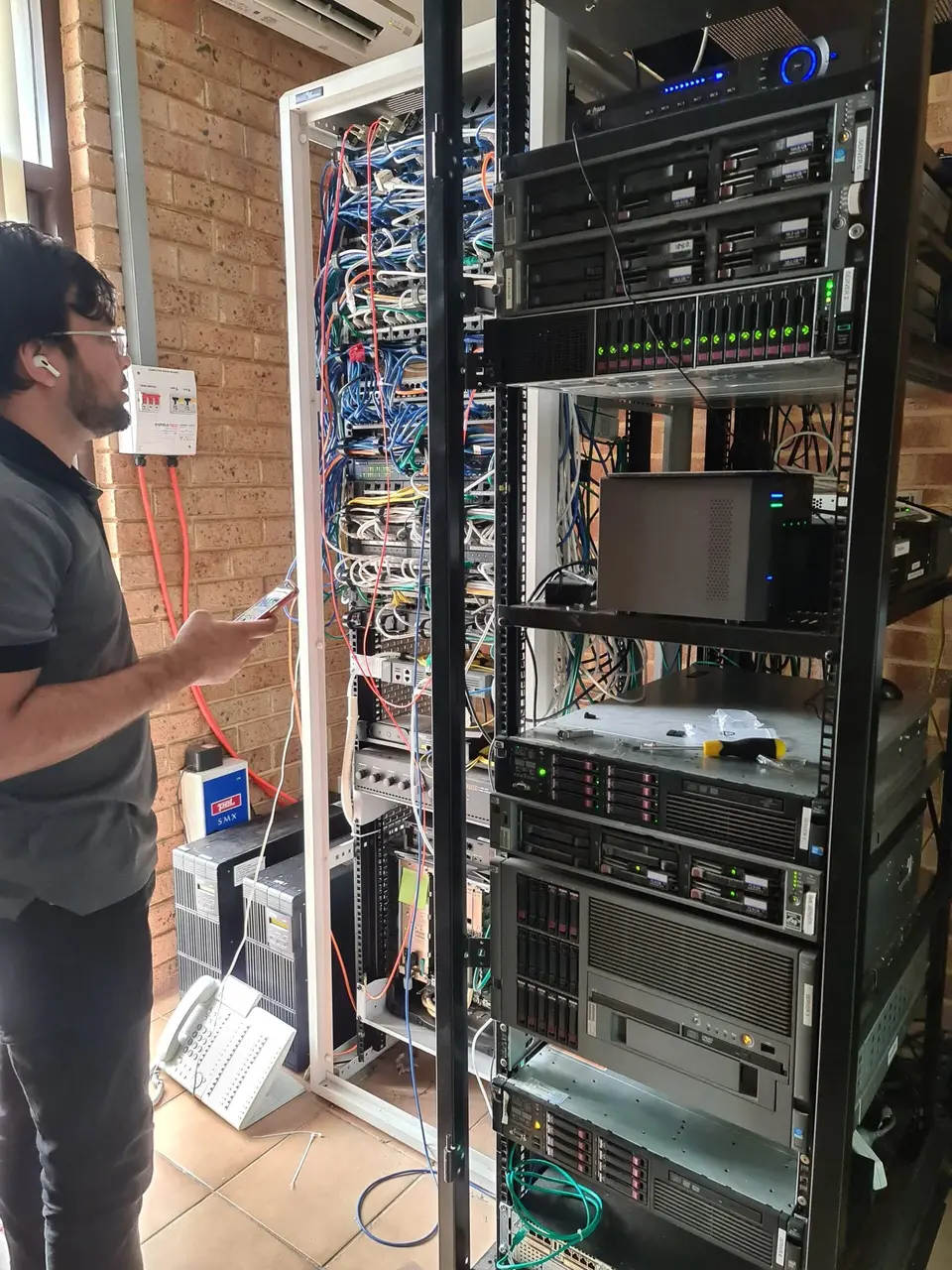
The usual reasons.
Replace with an SSD.
Upgrade to a sensible amount.
Clean install.
Cleaning and fan checks.
Update or advise.
Fan or drive failing.
Three steps.
Is it worth upgrading?
SSD and memory.
Fresh start and updates.
What we do.
Big speed improvement. See slow computer repair.
More room to work.
Fresh Windows. See computer repairs.
Keep your files safe. See data backup and transfer.
If the desktop is more than ten years old and needs several parts, a replacement is usually better value.
If it only needs a drive and memory, an upgrade is often the best money you will spend.
We will tell you which side it falls on.
Time is charged at a fixed hourly rate and you hear the cost of any parts before we go ahead.
Describe the problem and we will tell you what to expect.
For home users. You pay for a one-hour minimum, then 30-minute blocks.
For work devices and company systems. You pay a one-hour minimum, then 30-minute blocks.
Equipment is charged on top and quoted before purchase. More detail on the pricing page.
We also look after these nearby suburbs.
What owners ask.
Tell us the make, age and what you want it to do.