
Slow startup or freezing
We check storage health, memory use, startup programs and software errors. We explain whether cleaning up the system, repairing a fault or upgrading a compatible part would help.
A faulty laptop should not put years of family photos or documents at risk. Microsys provides Bull Creek computer repairs, data transfer and backup help, with clear advice before work that could affect your files.
Computers can slow down because of worn storage, limited memory, unwanted software or a problem with an application. A poor internet connection can look like a slow computer too. We check what is actually failing so you can choose a sensible repair.
Microsys supports laptops, desktop PCs and everyday home and business IT in Bull Creek. We explain the options in plain language, discuss the likely cost and ask before proceeding with additional work or replacement parts.
Tell us the device model, the symptoms and what changed before the fault started. We can then advise whether onsite support, remote help or a workshop assessment is suitable.
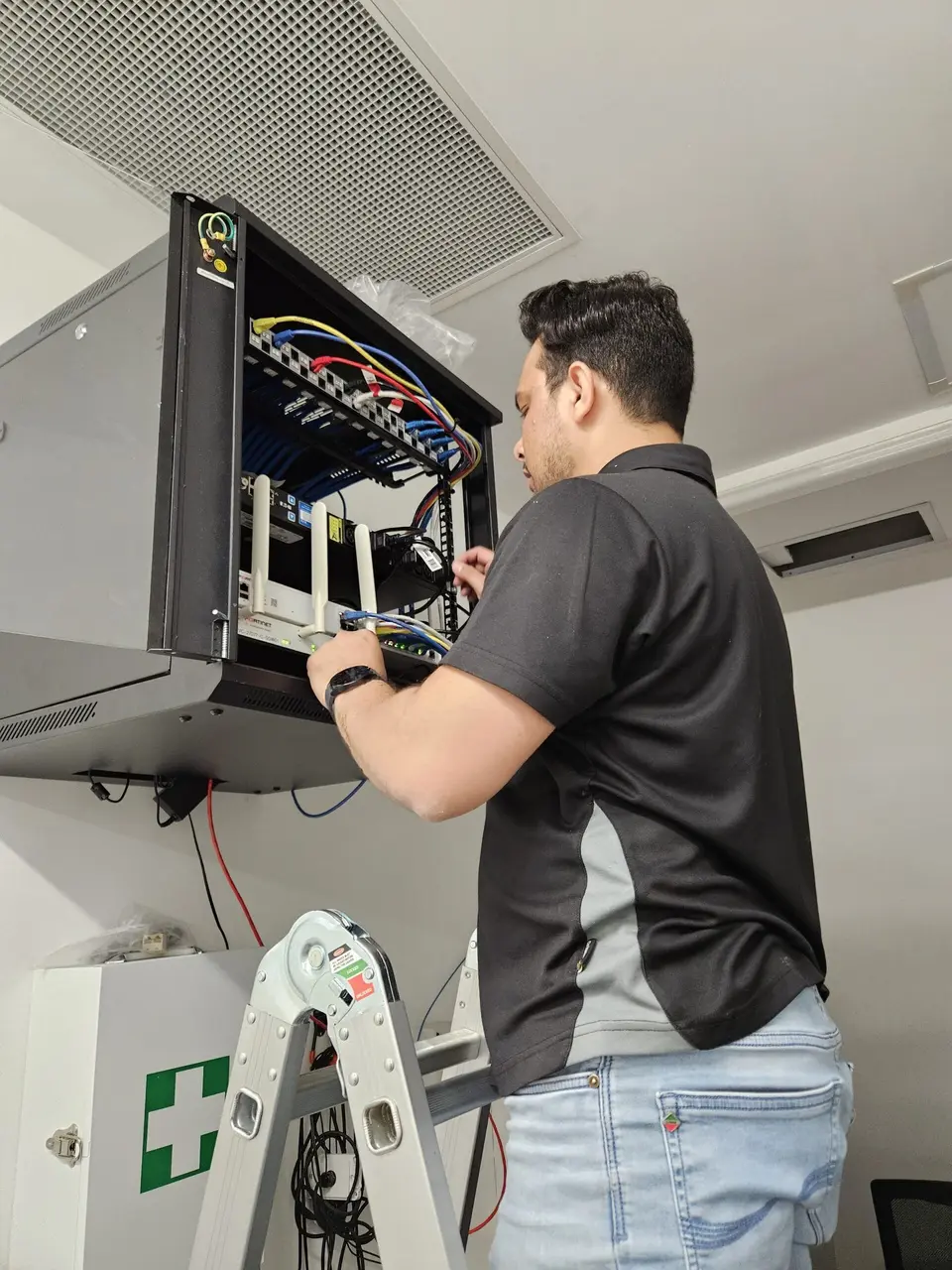
Describe the symptoms even if you do not know the technical name.
We check storage health, memory use, startup programs and software errors. We explain whether cleaning up the system, repairing a fault or upgrading a compatible part would help.
We assess the power supply, charging symptoms and hardware condition. Tell us about any liquid damage, drops or unusual heat before trying repeated restarts.
We compare the connection at the router with the signal where you work. That helps separate a computer fault, weak coverage and an internet provider issue.
We check the printer connection, drivers, print queue and scan settings. Hardware repairs, consumables and replacement options are discussed according to the model and fault.
We check where the files are stored, what backups exist and whether the drive is healthy. Recovery depends on the condition of the device, so results cannot be promised before assessment.
We troubleshoot account settings, updates and application problems. For an employer-managed device, we work within the permissions available and coordinate with the existing IT team where needed.
You should know what is being checked and what happens next.
We ask what is happening, check the device and identify the next useful tests. Let us know about important files and any recent changes.
We outline the repair or setup work, likely costs and any parts required. Additional work is agreed with you before it goes ahead.
We check the original symptoms again and explain what changed. Where relevant, we test your connection, printing or file access with you.
Repair, setup and practical advice for homes and small businesses.
Fault checks, suitable upgrades and advice on keeping or replacing an older computer. Laptop repair services.
Move files to a replacement device, review backup options and check that important documents can be restored. Backup and transfer help.
Troubleshoot coverage, printers and connections between your computer and other devices. Network support.
Help with email, new computers and everyday software, with support suited to the way you use the equipment. Business IT support.
An archive needs more than a single folder on a laptop. We can help find scattered scans and photos, move them into a workable structure and create separate backups. Important files should be opened after transfer, rather than assuming that a copied folder is complete.
For genealogy software, check which export formats preserve the information you need and retain the original files as well. A dated backup protects against mistakes that synchronise across devices, and a test restore helps confirm the archive is still usable.
Time is charged at a fixed hourly rate and you hear the cost of any parts before we go ahead.
Tell us what is happening and we will say whether it needs a visit.
For personal devices and home networks. One-hour minimum, then billed in 30-minute blocks.
For small businesses and offices. The first hour is the minimum, then 30-minute blocks.
Parts and equipment are quoted before we buy anything. Full rates are on the pricing page.
Practical answers about the work, your files and the cost.
Tell us the device model, what is going wrong and when you are available. We will explain the next step and confirm a suitable appointment.